Prerelease versions
Pre-release versions
Pre-release versions are used to test or hammer-out new features before they're added to the stable branch. Releases are more frequent and features come earlier to these versions.
You can switch to the Pre-Release channel from within VS Code (v1.63 or above) by going to the extension's page and then choosing Switch to Pre-Release Version (make sure to hit "Reload Required" after it's installed).
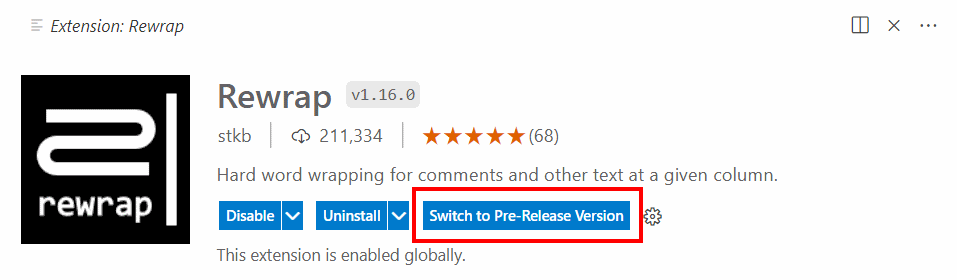
You don't have to be using VS Code Insiders to do this. You can painlessly switch back to the stable channel at any time too. More info at the VS Code docs.
Visual Studio
Visual Studio doesn't have the above VS Code feature, but you can still download the .vsix file from the Assets section below, and install it manually by double-clicking the file. When the next major stable version is released, VS will automatically upgrade to that.